
WARP is a peer-to-peer file transfer tool. It lets two parties exchange files directly — secure by design. All you need is a computer, a web browser, and an internet connection. WARP also runs on mobile and as a CLI client for Linux, Windows, and macOS. It’sfree, withno limits on file size.
Here’s how to use it
1. Go to warp.skbx.com

2. Select one or more files you'd like to send
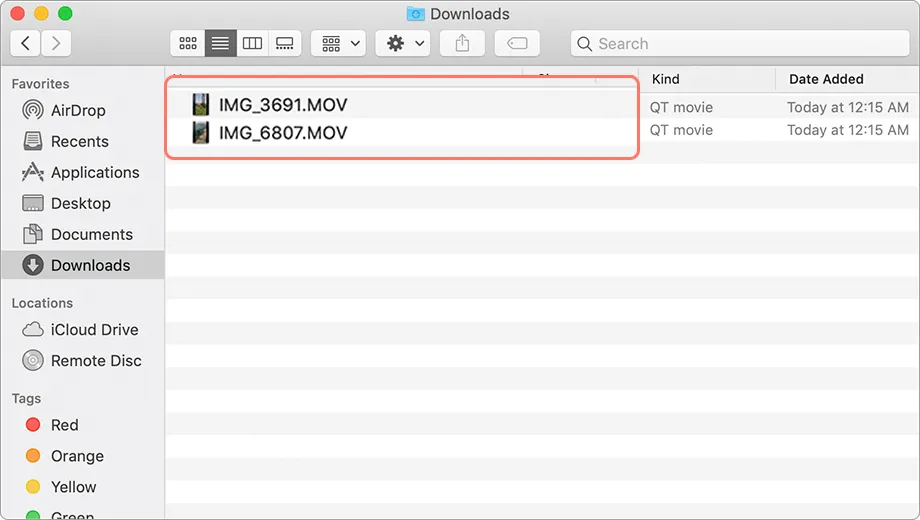
3. WARP immediately generates a unique link to your file share

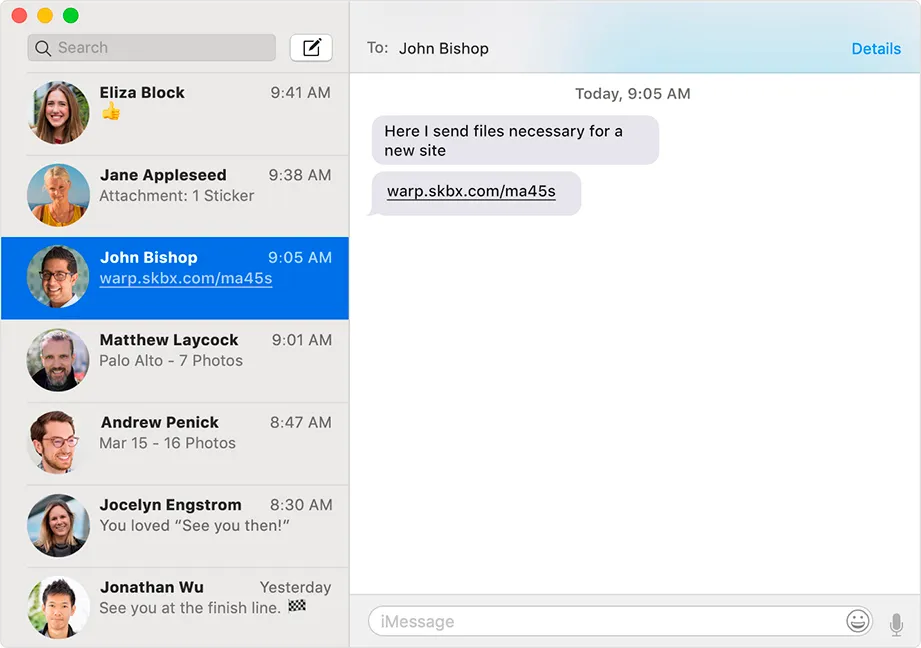
4. Share the link with your recipient any way you like — messenger, email, SMS
5. When they open the link in their browser, they see the files and a download button
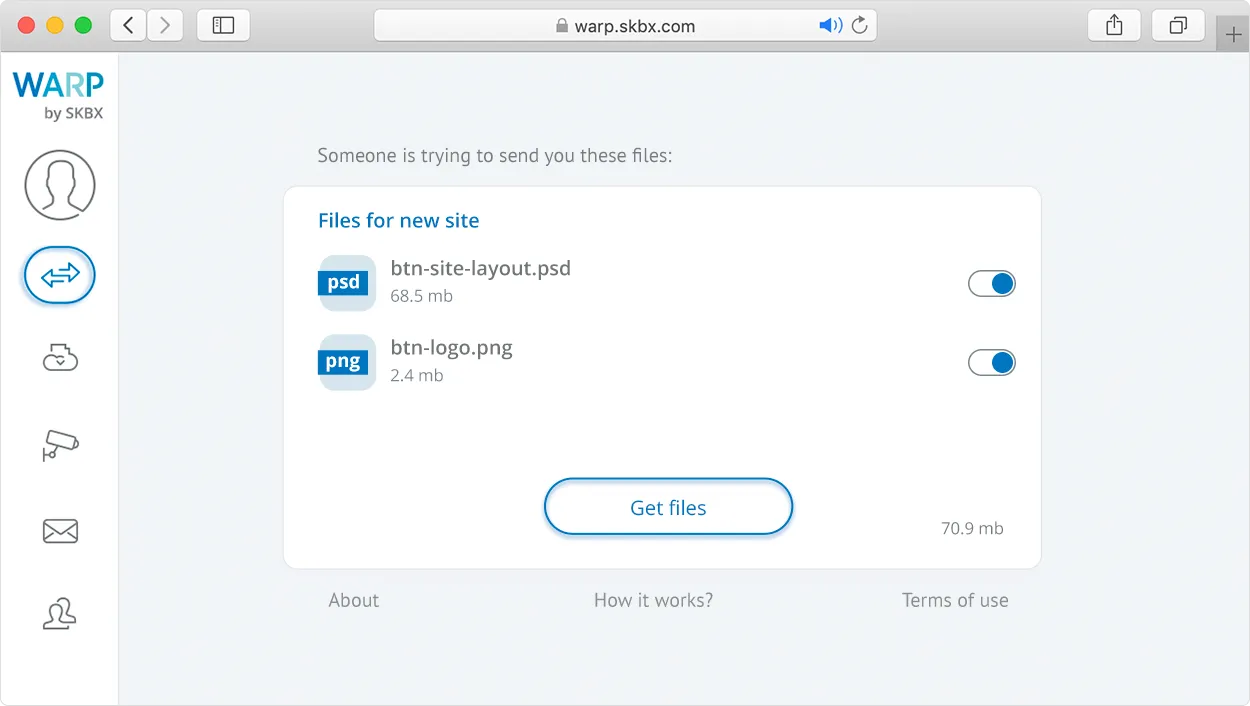
Once the direct transfer completes, the files are on their computer — ready to use.